
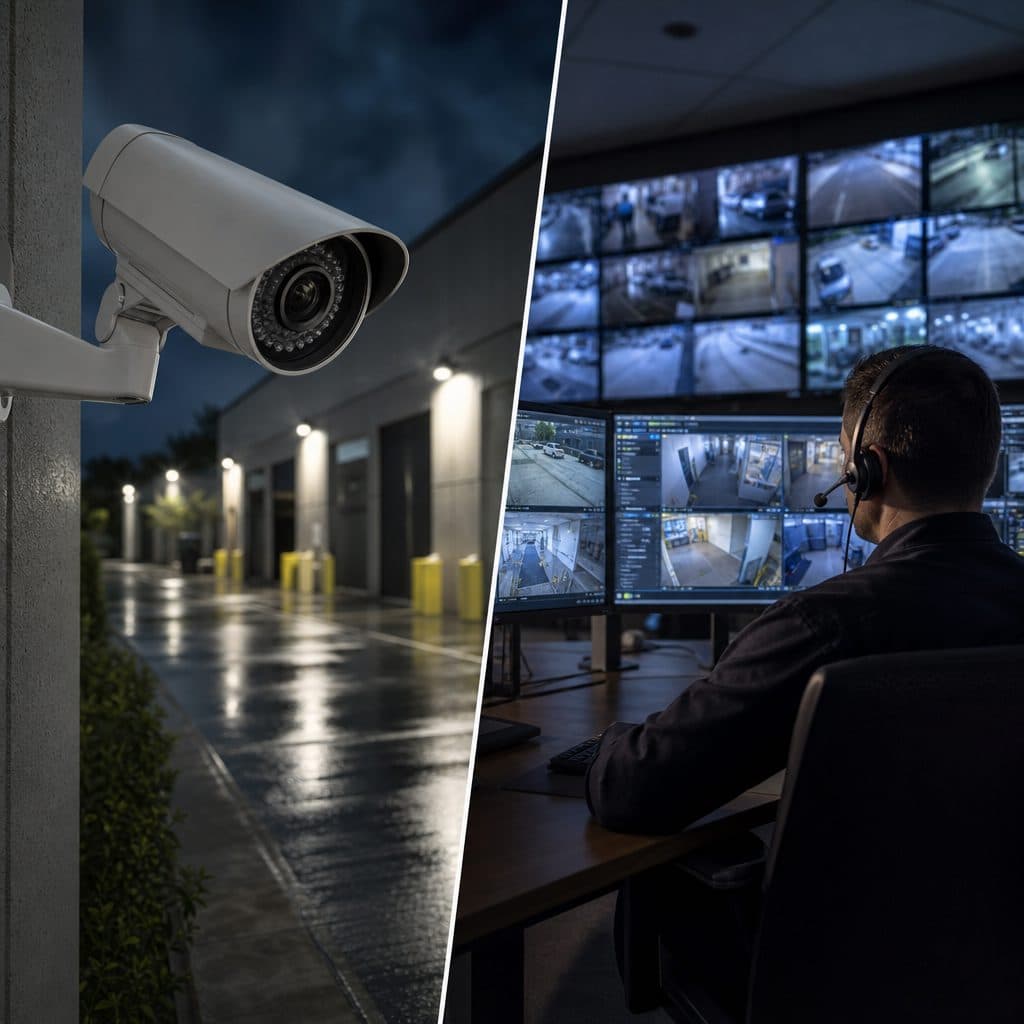
Security Cameras vs. Live Video Monitoring: Start With the Real Decision
Most organizations do not struggle because they lack cameras. They struggle because the camera system, the people watching it, and the response plan are not aligned. A camera can record a break-in, a delivery dispute, or an after-hours safety issue, but recording alone does not mean someone intervenes while the event is still unfolding.
The practical question is not whether security cameras or live video monitoring is better in every situation. The better question is what risk you are trying to reduce, how quickly you need action, and who is responsible for verifying what happened. This article explains the difference in plain language so you can choose a system that fits your property, budget, staffing, and tolerance for risk.
Assumption: your goal is to protect a business location, multifamily property, construction site, school, worship facility, warehouse, or similar operational environment where both evidence and timely response matter.
 Camera placement should support evidence, detection, and response.
What Security Cameras Do Well
Traditional security cameras are the foundation of most video systems. They capture activity at selected locations, store footage locally or in the cloud, and allow authorized users to review incidents. Modern cameras may include higher resolution, night visibility, motion alerts, license plate views, or analytics, but their primary job is still documentation.
This makes cameras valuable when you need proof. If inventory disappears, a vehicle is damaged, or an employee reports a safety concern, recorded video can help reconstruct the timeline. Cameras also discourage some unwanted behavior because people can see that activity may be captured.
Best-fit uses for security cameras
- Reviewing incidents after they occur
- Supporting insurance, HR, or law enforcement conversations with video evidence
- Checking operations remotely during business hours
- Documenting deliveries, entrances, parking areas, and restricted rooms
- Providing a visible deterrent when cameras are obvious and well placed
The limitation is timing. If no one is actively watching, the system may only tell you what happened after the loss, damage, or safety problem has already occurred.
What Live Video Monitoring Adds
Live video monitoring combines cameras with trained monitoring personnel, remote access, event rules, and a documented response process. Instead of waiting for someone on site to notice a problem, a monitoring center can review alerts, verify what is happening, speak through audio devices when appropriate, notify designated contacts, or request emergency response when the situation warrants it.
The key difference is human verification. Cameras create visibility. Live monitoring turns selected events into reviewed events. That distinction matters because many alarms, motion alerts, and after-hours notifications are not true emergencies. A person following an agreed procedure can separate a delivery driver from a trespasser, a cleaner from an intruder, and a wind-blown object from a real threat.
Best-fit uses for live video monitoring
- After-hours intrusion risk at commercial properties
- Vacant buildings, lots, yards, gates, and construction sites
- Locations where staff should not confront suspicious activity directly
- Sites with repeated nuisance alarms that need verification before escalation
- Properties that need audio intervention, remote guard tours, or scheduled checks
Live monitoring does not replace good camera design. It depends on clear views, reliable connectivity, lighting, and written instructions that tell operators what to do for each type of event.
 Live monitoring works best when views and procedures are clear.
Side-by-Side Comparison
Use this comparison as a starting point. The right answer may be a blended approach: cameras everywhere that evidence is needed, live monitoring at higher-risk areas and higher-risk hours.
| Capability | Security Cameras | Live Video Monitoring |
|---|---|---|
| Primary purpose | Record and review activity | Detect, verify, and guide response |
| Human involvement | Usually none until review | Trained operators review selected events |
| Response speed | Depends on who sees alert | Designed for timely escalation |
| Evidence value | Strong when cameras are placed well | Strong, plus operator notes when available |
| Typical cost focus | Hardware, storage, installation, and maintenance | Cameras, connectivity, monitoring hours, and procedures |
| Best for | Documentation, operations, and deterrence | Intervention, verification, and reduced ambiguity |
A useful rule: security cameras answer, “What happened?” Live video monitoring adds, “What is happening right now, and what should we do next?”
Why the Difference Matters Operationally
The decision affects daily workflow, not only security equipment. A basic camera system may be simple to own, but it places more responsibility on your team. Someone must receive alerts, decide whether to open the app, understand what they are seeing, and know whom to call.
Live monitoring shifts part of that burden to a defined process. That does not mean every event becomes an emergency. It means the property owner and integrator establish rules: which cameras are monitored, what hours apply, which activities trigger review, who is contacted first, and when authorities should be requested.
Common operational impacts
- Your team may receive fewer unclear notifications because events are filtered.
- Contacts must stay current, including backups for nights, weekends, and holidays.
- Camera outages, poor lighting, or blocked views become process failures, not just technical issues.
- Written post orders help operators respond consistently across shifts.
For many businesses, the biggest benefit is clarity. Everyone knows whether the goal is evidence, intervention, compliance with internal policy, or a combination of those outcomes.
How to Choose: A Practical Step-by-Step Checklist
Before buying equipment or adding monitoring, work through the decision in order. Skipping these steps often leads to systems that look impressive but fail during the incident that matters.
Step One: Define the risk
Name the problem in practical terms. Examples include after-hours trespassing, vehicle break-ins, dumping, unauthorized gate access, package theft, workplace incidents, or customer disputes.
Step Two: Map the critical views
Identify doors, gates, lanes, parking areas, storage zones, cash handling points, and blind spots. Do not monitor everything equally. Prioritize the places where action would change the outcome.
Step Three: Decide who responds
If your internal staff will respond, confirm availability and authority. If live monitoring is used, document the escalation path, including primary contacts, backup contacts, and emergency criteria.
Step Four: Set hours and rules
Monitoring may be needed only after closing, during weekends, during construction phases, or when a location is vacant. Rules should describe normal activity so operators do not treat routine events as threats.
Step Five: Test the full chain
Walk through realistic scenarios. Can the camera see the person, vehicle, or license plate? Does the alert reach the right party? Does the operator have instructions that match your expectations?
Recommended Actions for Common Situations
Different properties need different blends. Use the following guidance as a planning shortcut, then validate it with a site assessment.
Retail or office storefronts
Use cameras for entrances, registers, deliveries, and parking. Add monitoring if after-hours loitering, glass break risk, or repeated nuisance activity is a concern.
Warehouses and yards
Combine perimeter cameras with monitored gates, loading areas, and outdoor storage. Live review helps distinguish authorized trucks from suspicious movement after closing.
Construction or vacant sites
Prioritize temporary camera coverage, power, connectivity, and monitoring hours. These sites often change quickly, so update camera views and contact lists regularly.
Multifamily or campus properties
Use cameras for entrances, common areas, parking, and access points. Consider monitoring for pools, gates, parking lots, or areas with recurring after-hours issues.
If budget is limited, start with the highest consequence areas rather than spreading weak coverage everywhere. A few reliable, well-placed monitored views can be more useful than many cameras aimed at low-risk spaces.
Risks, Mistakes, and How to Recover
Most video failures are avoidable. They usually come from unclear ownership, weak design, or assumptions that nobody tested.
Mistake: Buying cameras before defining response
Recovery: write the response plan first. Decide what should happen when a person enters a restricted yard, a vehicle parks at a gate, or an employee reports a threat. Then design camera views around those decisions.
Mistake: Treating monitoring as automatic policing
Recovery: use realistic procedures. Operators can verify, communicate, document, and escalate, but they are not physically present. Your plan should identify who secures doors, repairs damage, meets responders, and follows up.
Mistake: Ignoring lighting and connectivity
Recovery: test at night and during bad weather when possible. Confirm upload capacity, camera health alerts, backup power needs, and whether headlights, reflections, or shadows block useful views.
Mistake: Letting contact lists go stale
Recovery: review contacts on a schedule. Include role-based contacts when possible, because individuals change jobs, phones, and responsibilities.
Questions to Ask an Integrator
A good provider should help you make a practical decision, not simply sell more cameras. Ask questions that reveal design thinking, monitoring procedures, and long-term support.
- Which risks are we designing around, and which are out of scope?
- Which cameras are for evidence, and which are for live review?
- What happens when an alert is received?
- What are operators allowed to say or do?
- How are false or nuisance alerts reduced?
- What happens if a camera, recorder, or internet connection fails?
- How often should we review footage quality and monitoring rules?
- Who owns updates when hours, tenants, staff, or site conditions change?
The answers should be specific enough that a new manager can understand the system without guessing.
Implementation Checklist
Use this checklist before launch and during periodic reviews.
- Confirm the business purpose for each camera.
- Verify views during day and night conditions.
- Label cameras clearly by location, not technical names.
- Set retention expectations based on operational needs.
- Document monitored hours, holidays, and exceptions.
- Create escalation rules for people, vehicles, alarms, and audio talk-down.
- Keep primary and backup contacts current.
- Train internal staff on what alerts mean.
- Test remote access before an incident.
- Schedule maintenance for lenses, mounts, firmware, and recording health.
- Review sample events with your provider.
- Update rules after incidents or site changes.
Treat the checklist as a living operating document. The best systems improve as the property changes.
Short Decision Framework
Choose standard security cameras when your main need is documented evidence, operational visibility, and review after an event. This is often appropriate for lower-risk areas, staffed locations, or places where internal teams already respond quickly.
Choose live video monitoring when the value of early intervention is higher than the additional monitoring process. It is especially useful when incidents occur after hours, when staff should not confront people, or when you need a trained person to verify activity before escalation.
Choose a hybrid design when you need both. Most mature security programs use cameras broadly for visibility and evidence, then apply live monitoring selectively to entrances, perimeters, parking areas, yards, and other higher-risk zones.
Do not make the decision based only on camera count. Make it based on the outcome you expect when something happens.
Plan Your Video Security Around Response
Security and Life Integrations can help you compare camera-only coverage, monitored video, and hybrid options for your property. The next step is a practical site conversation: identify risks, review camera locations, clarify response expectations, and decide where live monitoring would provide meaningful value.
If you already have cameras, start with a review of what they can actually see and how incidents are handled today. If you are planning a new system, start with the response plan before choosing hardware.
Request a video security assessmentBring a simple list of recent concerns, peak risk hours, access points, and any known blind spots. A focused assessment can then separate what should be recorded, what should be watched live, and what actions should follow when an event is verified.
That sequence keeps the investment tied to real outcomes: usable evidence, faster decisions, clearer accountability, and a response process your team can maintain.
The difference is not the camera; it is whether someone can act when the video matters most at your site.