
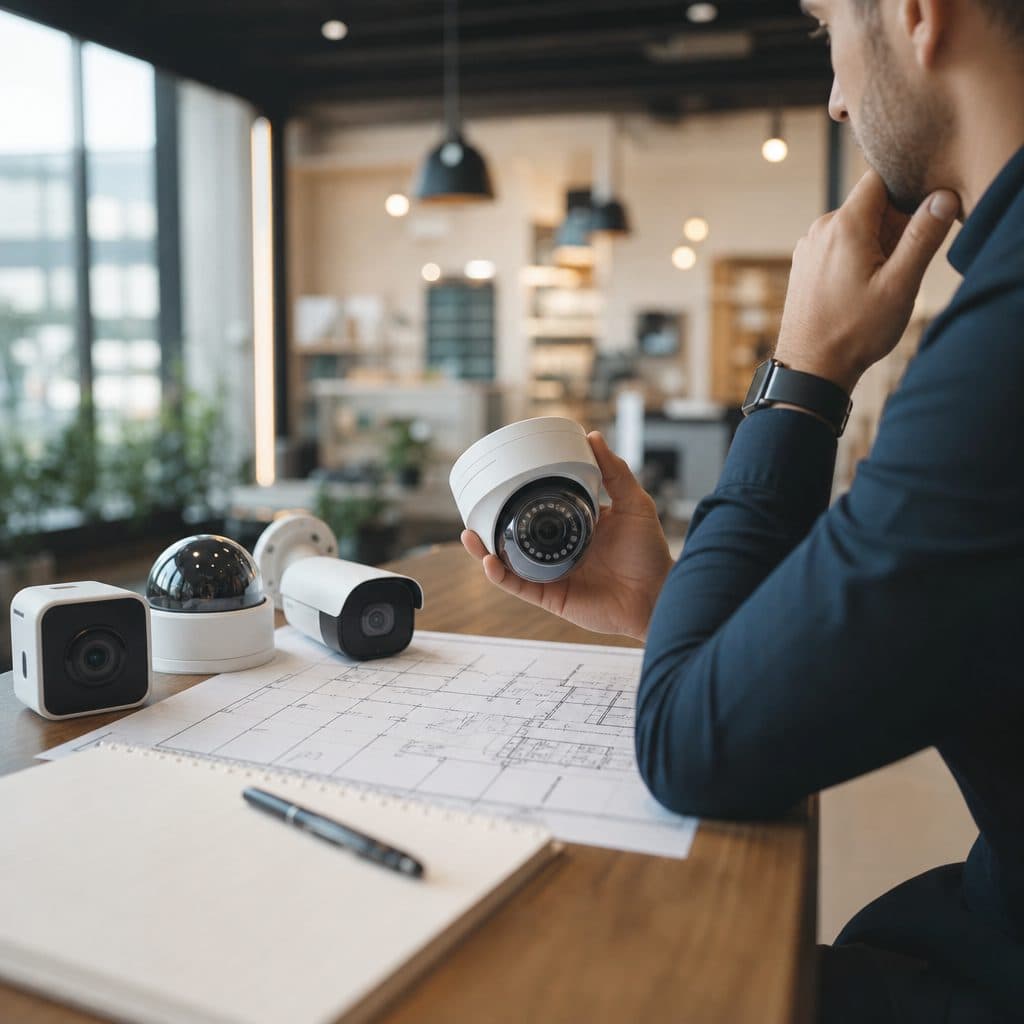
Choose a Camera System That Fits the Business, Not Just the Building
A business camera system is not a generic technology purchase. It affects safety, operations, insurance conversations, employee confidence, customer experience, and how quickly you can understand an incident after it happens. The wrong system can leave blind spots, produce unusable footage, overwhelm managers with false alerts, or cost more than needed for the risk level.
The right system starts with business goals, not camera brands. A restaurant may need clear coverage of registers, entrances, delivery doors, and food storage areas. A warehouse may need long views down aisles, license plate capture at gates, and reliable recording after hours. A professional office may care most about lobby access, parking, and discreet interior monitoring.
This guide explains how to choose a commercial camera system by defining risks, comparing the main technology options, sizing storage, planning installation, and avoiding common mistakes. Use it as a practical decision framework before requesting proposals or approving a budget.
 Start with risk, layout, and operating needs.
Start With the Risk Profile
Before selecting hardware, document what you are trying to see, prove, deter, or manage. Walk the property during business hours, after closing, and during deliveries if possible. Note where people enter, where money or inventory moves, where disputes occur, and where lighting changes sharply. These observations usually reveal requirements that a floor plan alone misses.
Map the areas that matter
Divide the site into zones: public entrances, customer areas, transaction points, work areas, storage, exterior doors, parking, loading zones, utilities, and restricted spaces. For each zone, decide whether the camera must identify a face, show general activity, verify a transaction, capture a vehicle, or confirm that an alarm event is real. Identification needs require tighter placement and better lighting than general awareness.
Define who will use video
A system used only by an owner after an incident can be simpler than one monitored daily by managers, security staff, and remote operators. Decide who can view live video, who can export clips, who receives alerts, and who maintains user access. These choices affect recorder capacity, software licensing, network design, and training.
Tip: Write requirements in plain language, such as “record the front counter clearly enough to resolve payment disputes.” Plain requirements make vendor proposals easier to compare and reduce misunderstandings during installation.
 Camera placement should reflect real business workflows.
Understand the Main Camera System Options
Most business decisions come down to three connected choices: camera type, recording method, and management software. You do not need to become an engineer, but you should understand how each choice changes reliability, image quality, maintenance, and future flexibility.
IP camera systems
IP cameras connect through a data network and are common in modern commercial installations. They can support higher resolution, flexible placement, remote access, analytics, and easier expansion when the network is planned correctly. They are often a strong fit for businesses that expect to add cameras, integrate access control, or manage multiple locations.
Analog and hybrid systems
Some properties still have coaxial cabling from older camera systems. Reusing that cabling may reduce disruption in certain buildings, especially when budgets are tight or walls are difficult to open. A hybrid approach can be reasonable when existing infrastructure is serviceable, but it should not lock the business into poor image quality or limited support.
Cloud, local, and hybrid recording
Local recording keeps footage on a network video recorder or server at the site. Cloud recording stores video offsite or synchronizes selected footage to a hosted platform. Hybrid systems combine both. Local systems can offer predictable control and bandwidth use. Cloud options can simplify remote access and offsite backup. Hybrid designs often balance resilience with practical cost control.
Camera styles and where they fit
Dome cameras work well where a low-profile look matters. Bullet cameras are visible and useful for defined exterior views. Turret cameras are flexible for many indoor and outdoor areas. Pan-tilt-zoom cameras can help with active monitoring, but they are not a substitute for fixed coverage because they can be pointed away at the wrong moment. Specialty cameras may be needed for very wide areas, low light, or vehicle entrances.
| Requirement | Practical direction |
|---|---|
| Faces at entrances | Use enough resolution, lighting, and angle to identify people clearly. |
| Parking and gates | Plan for distance, glare, weather, and vehicle direction. |
| After-hours review | Choose retention, search tools, and alerts that match staffing. |
| Multi-site management | Use consistent software, permissions, and naming across locations. |
Build Requirements Before Comparing Quotes
A good proposal should respond to your site requirements, not simply list cameras. Give each provider the same scope so you can compare designs fairly. Include the number of zones, desired coverage, recording retention, remote access needs, after-hours procedures, network constraints, and any integration goals with alarms, access control, or intercoms.
Image quality is more than resolution
Resolution matters, but it is only one part of usable video. Lens selection, mounting height, viewing angle, motion, compression, and lighting all influence whether footage helps. A high-resolution camera mounted too high may show heads instead of faces. A camera aimed toward bright glass may wash out details. Ask for sample views or marked camera locations before installation begins.
Storage and retention should match real use
Recording needs depend on camera count, resolution, frame rate, motion level, compression, and how long the business must keep footage for operational reasons. Avoid guessing based only on a round number of days. Explain how footage is normally used. For example, a retailer may need enough retention to investigate chargebacks, while a contractor yard may need weekend and holiday coverage before someone reviews activity.
Network and power planning are security decisions
Commercial cameras rely on stable cabling, switches, power, and network configuration. Poor infrastructure causes intermittent failures that look like camera problems. Confirm whether cameras will use Power over Ethernet, whether switches have capacity, whether exterior runs need protection, and whether remote access will use secure account practices. Separate camera traffic where appropriate, and avoid sharing passwords among employees.
Proposal details to request
- A camera location plan with the purpose of each view.
- Expected coverage examples for faces, registers, doors, vehicles, and storage.
- Recorder or cloud retention assumptions in plain language.
- User roles, permissions, and remote access method.
- Warranty, support, update, and maintenance responsibilities.
- Installation schedule and expected business disruption.
- Training plan for searching, exporting, and protecting video.
- Future expansion capacity for cameras and integrations.
A Step-by-Step Selection Checklist
Use this sequence when replacing an old system or planning a new one. It keeps the discussion focused on outcomes and helps prevent overbuying, underbuying, or accepting a design that looks good on paper but misses daily business realities.
- Walk the site with a risk map. For each entrance, transaction point, exterior door, parking area, and storage space, write what the camera must accomplish. Mark lighting issues, weather exposure, distance, mounting limits, and places where people or vehicles move quickly.
- Decide what must be identifiable. Separate “I need to know someone was there” from “I need to identify who it was.” Identification usually requires closer framing, better lighting, and careful mounting. This distinction prevents unrealistic expectations from wide overview cameras.
- Choose recording and access preferences. Decide who needs live viewing, mobile access, alerts, clip export, and administrator control. If remote access is important, discuss account security, password management, and how access is removed when an employee leaves.
- Confirm retention requirements. State how long video should remain available and why. If no legal or contractual requirement applies, treat retention as an operational decision based on review cycles, claims, disputes, and management availability.
- Review installation conditions. Check ceiling types, cable paths, network closets, exterior mounting surfaces, lift requirements, and business hours. A clean installation plan reduces surprises and keeps cameras reachable for service without creating safety problems.
- Compare proposals by coverage, not camera count. A lower camera count is not automatically efficient, and a higher count is not automatically better. Compare the purpose of each camera, the blind spots that remain, the retention assumptions, the software experience, and the support plan.
Practical note: If you are upgrading, export important clips before removing old equipment. Also record existing camera views, passwords held by authorized administrators, and cable labels when available. This creates a fallback if questions arise during cutover.
Common Mistakes and How to Recover
Camera projects often fail for practical reasons rather than because the equipment is defective. The good news is that most problems can be prevented with clearer requirements, better testing, and a support plan that treats video as a business system instead of a one-time purchase.
Mistake: buying by price alone
A low bid may omit cabling difficulty, storage needs, weatherproofing, licensing, training, or service. If you already accepted a weak design, recover by prioritizing the worst blind spots first, improving lighting, adjusting camera angles, and standardizing user permissions before expanding the system.
Mistake: expecting analytics to replace planning
Motion alerts, people detection, and other analytics can be helpful, but they depend on scene conditions and configuration. They should support a sound design, not excuse poor placement. Test alerts during normal activity, deliveries, weather changes, and closing routines before relying on them.
Mistake: ignoring lighting and glare
Many bad images are lighting problems. Exterior doors, windows, polished floors, headlights, and dark parking areas can all affect results. Recovery may involve changing camera position, adding lighting, using cameras designed for difficult contrast, or narrowing the view to the important target area.
Mistake: leaving access unmanaged
Video access should change when roles change. Shared logins make accountability difficult and increase risk. Create named users, remove access promptly, review permissions periodically, and document who is allowed to export footage. Treat exported video carefully because it may contain employees, customers, visitors, or sensitive operations.
A Short Decision Framework
The best commercial camera system is the one that answers the business’s real questions reliably. When choices feel complicated, bring the discussion back to five decisions.
- What events must we see or prove?
- Which areas require identification, and which only require awareness?
- Who will use the system each week, and what do they need to do quickly?
- How long must footage remain available for practical review?
- What support, training, and maintenance will keep the system useful after installation?
If a proposal clearly addresses those questions, it is usually easier to judge. If it focuses only on camera quantity, megapixels, or a promotional package, ask for more detail before proceeding. A camera system should be understandable to the people responsible for operating it.
Next Steps for Your Business
Start with a short internal review before speaking with providers. List your top five risks, mark critical views on a simple floor plan, decide who needs access, and gather any information about existing cabling or recorders. Then request a site assessment and ask for a design that explains coverage, retention, remote access, installation impact, and ongoing support in plain language.
Security & Life Integrations can help business owners translate operational concerns into a camera system plan that is practical to install and simple to manage. Prepare your questions, photos of problem areas, and any current system details so the conversation can move quickly from concerns to a workable design.
Plan Your Camera System With Confidence
If you are choosing, replacing, or expanding cameras, begin with the coverage questions in this guide and schedule a professional site review with Security & Life Integrations. A clear plan helps you invest in the cameras, recording, access, and support your business actually needs. Bring your floor plan, priority concerns, and current system notes so recommendations match daily operations and future growth goals too.
Request a practical camera system review