
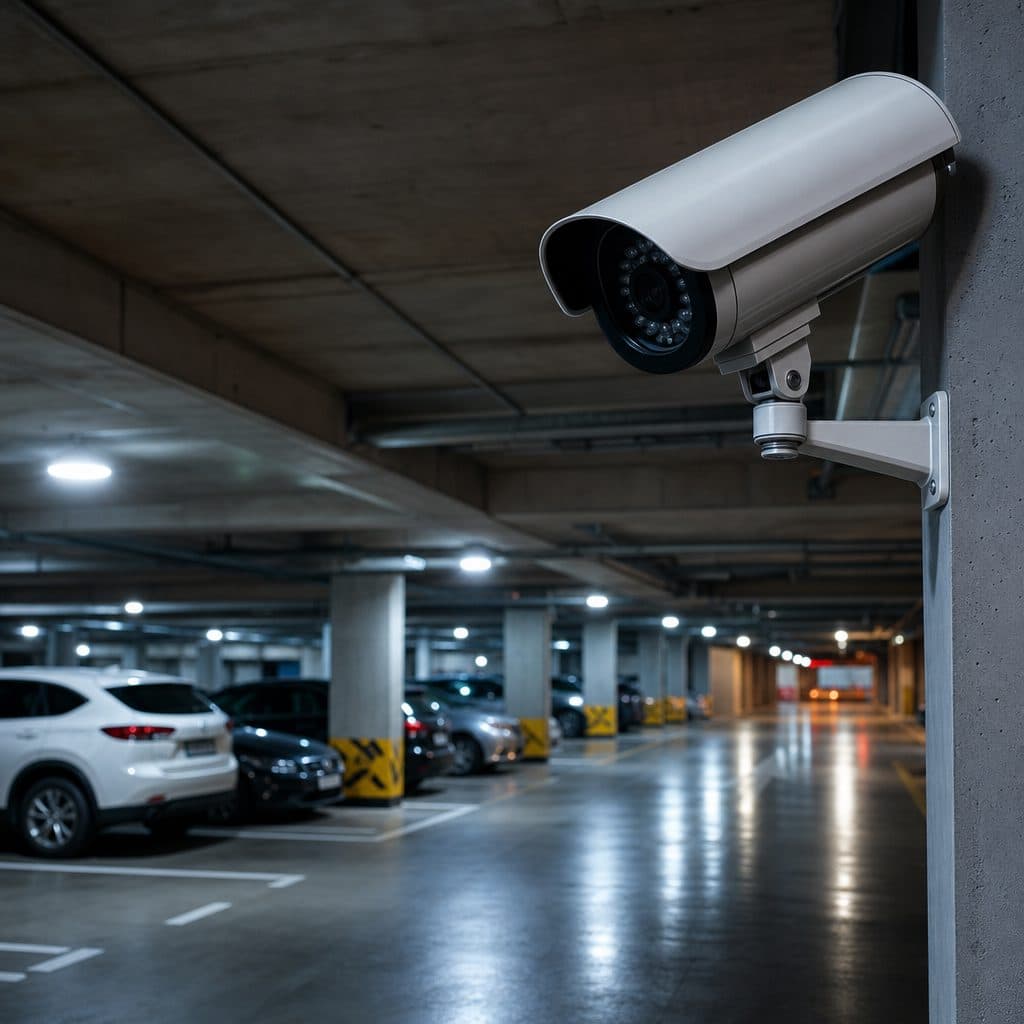
Commercial Video Surveillance for Parking Garages: A Practical Security Plan
Parking garages create a difficult security environment: open vehicle access, pedestrian blind spots, changing light, stairwells, elevators, payment areas, and long stretches where staff may not be present. A basic camera package often records activity, but it may not capture the faces, plates, paths, and context needed after a theft, assault, hit and run, vandalism, or liability dispute. Commercial video surveillance for parking garages should be designed as an operational system, not as a collection of cameras. The outcome is a layout that helps deter problems, documents incidents clearly, supports faster response, and gives managers a practical way to review footage without wasting hours.
This guide explains where garage surveillance fails, which camera and recording options matter, how to plan coverage, and what mistakes to avoid before you invest.
 A balanced garage surveillance plan covers vehicles and pedestrians.
Why Parking Garages Need Purpose Built Surveillance
Garages combine public access with private assets. Drivers expect convenience, so entrances are usually open, and many incidents happen in transition zones where people move between cars, elevators, stairs, and sidewalks. Lighting can shift from daylight at the ramp to dark interior lanes within a few feet. Concrete columns, low ceilings, glare from headlights, and tight turns reduce visibility. A camera that works well in a lobby may underperform in a garage because the scene changes quickly and the subject is often moving.
The goal is not to watch every square foot with equal detail. The goal is to identify the few places where video must prove who entered, what happened, where the person or vehicle went, and when staff should respond.
Common Coverage Gaps and Their Causes
Most garage failures are design failures rather than camera failures. The equipment may be adequate, but it is aimed at the wrong distance, mounted too high, or configured for a broad overview when identification is required. Start by separating observation, recognition, and identification. Each purpose requires a different field of view, lens choice, mounting height, and lighting expectation.
Typical causes
- Entrances record vehicles but miss driver faces because cameras are pointed at lanes instead of approach angles.
- Exit lanes capture plates during the day but fail at night because headlights and reflectors overwhelm the image.
- Elevator lobbies show crowds but not individual faces because one wide camera covers too much area.
- Stairwells are treated as low priority even though they are common transition and concealment areas.
- Remote corners and accessible rooftops lack coverage because the original design focused only on driving lanes.
- Footage is difficult to search because cameras are not named by level, zone, and direction.
A useful design assigns every camera a job. For example, one overview camera can show activity across a level, while a tighter camera at the elevator lobby captures faces. A plate capture view at a controlled entry can complement wider footage at the ramp.
Camera Options That Fit Garage Conditions
Parking garages usually need a mix of camera types. There is no single best model for every view. Selection should start with the scene: distance, target detail, light level, weather exposure, vandal risk, network access, and whether the camera must support live monitoring, investigation, or both.
| Camera Role | Best Use | Design Notes |
|---|---|---|
| Overview cameras | Broad awareness across lanes, decks, and pedestrian routes | Use wider views, but do not rely on them for identification |
| Identification cameras | Faces at elevators, stairs, pay stations, and office doors | Use tighter views at predictable choke points |
| License plate focused cameras | Entry, exit, and gated lanes | Control angle and lighting; do not assume every general camera reads plates |
| Vandal resistant domes | Low ceilings, stairwells, and public walkways | Choose housings that resist tampering and impact |
| Low light or wide dynamic range cameras | Ramps, entrances, and mixed lighting areas | Test against headlights, sun glare, and shadow |
Assumption: if your garage has open sides, rooftop parking, or exterior pedestrian paths, cameras may also need weather rated housings and corrosion resistant mounting hardware. If the garage serves tenants, visitors, employees, and delivery drivers, your camera mix should support different review needs, from confirming a vehicle path to documenting a slip, confrontation, or property damage report.
 Camera placement should match lighting, height, and viewing angle.
Where Cameras Should Be Placed
A parking garage surveillance plan should map both vehicle flow and pedestrian flow. Vehicle cameras are usually concentrated at entries, exits, gates, payment points, and turns where damage disputes occur. Pedestrian cameras should focus on lobbies, stair doors, elevators, walkways, office entrances, and locations where people wait. Do not ignore areas where a person can move between covered and uncovered zones.
Recommended placement checklist
- At each entry, capture the vehicle approach before the driver reaches the gate, ticket dispenser, or access reader.
- At each exit, capture the decision point, payment interaction, and lane merge.
- At elevator lobbies, use a face level view where people naturally slow down.
- At stairwell doors, show who entered and who exited, not only the inside landing.
- At pay stations and kiosks, protect privacy while documenting approaches, queues, and disputes.
- At ramps and turns, record vehicle movement where collisions, scrapes, and wrong way driving may occur.
- At pedestrian exits to streets or buildings, capture direction of travel for follow up review.
Mounting height matters. High mounting protects equipment, but extreme height can reduce facial detail and increase the top down angle. When possible, pair protected mounting with lens selection and camera positioning that still captures useful faces, clothing, vehicle makes, and movement direction.
Recording, Retention, and Searchability
Good footage is only valuable if it can be found and exported. Recording design should address storage capacity, retention expectations, resolution, frame rate, motion settings, user permissions, and backup procedures. Avoid choosing retention by habit. Instead, decide how long your organization normally needs to discover an incident, receive a report, investigate it, and preserve the clip. For some garages, that window may be driven by tenant complaints, insurance processes, or internal policy.
Tip: Name cameras in a way that helps a manager search quickly, such as Level 2 North Elevator, Level 4 East Ramp, or Main Exit Plate View. Clear names reduce confusion during stressful reviews.
Remote access should be controlled, not casual. Use individual accounts, strong passwords, role based permissions, and documented export rules. If multiple departments need access, define who can view live video, who can search archives, who can export clips, and who approves sharing outside the organization.
Live Monitoring, Alerts, and Integration
Many garages do not need constant live monitoring, but they do need smart escalation. Video can support guard tours, after hours checks, gate intercom events, access control alarms, emergency call stations, and reports from tenants or visitors. The best approach is to define what should trigger attention. A person loitering near a stairwell may require a different response than a forced gate, blocked exit, or vehicle moving against traffic.
Useful integrations
- Access control events that bookmark video at gates, doors, and restricted areas.
- Intercom calls that open the nearest camera view for staff.
- License plate capture at controlled entrances where policy and signage allow its use.
- Video management software that lets approved users search by time, camera, motion, or event.
- Health monitoring that alerts staff when a camera, recorder, or network connection is offline.
Integration should reduce workload. If an alert creates too many false notifications, staff will stop trusting it. Test alert rules during normal traffic, shift changes, bad weather, delivery periods, and special events before relying on them.
Step by Step Planning Process
A successful project starts with a site survey, not a product list. Use the following process to turn security concerns into a design that installers, managers, and reviewers can understand.
- Document goals. List the incidents you are trying to address, such as theft from vehicles, unauthorized access, vandalism, collisions, or personal safety concerns.
- Map movement. Walk the garage during busy and quiet periods, noting vehicle routes, pedestrian paths, blind spots, lighting changes, and areas where people pause.
- Classify each view. Mark whether the camera must observe activity, recognize a person or vehicle, or identify a face or plate.
- Confirm infrastructure. Check power, network paths, mounting surfaces, conduit options, wireless limitations, recorder capacity, and available equipment rooms.
- Test representative scenes. Review sample images at night, in glare, and during traffic before finalizing camera angles.
- Set governance. Decide retention, access rights, export procedures, signage responsibilities, and who responds to alerts.
- Train users. Show managers how to search footage, save clips, report camera problems, and request service.
Keep the plan current. When parking patterns change, a gate is added, or a tenant entrance moves, review the camera layout. Surveillance should follow the operation, not the original construction drawing.
Risks, Mistakes, and How to Recover
The most expensive surveillance problems are often discovered after an incident. A manager opens the video system and learns that the important camera is blocked, the image is too wide, the timestamp is wrong, or the footage was overwritten. These problems are preventable when the system is inspected and tested as part of normal operations.
Mistakes to avoid
- Buying only on resolution. More pixels do not fix poor placement, glare, motion blur, or insufficient lighting.
- Using one camera for every purpose. Overview, identification, and plate capture require different views.
- Skipping night testing. Garages often look acceptable during installation but fail after dark.
- Ignoring maintenance. Dirty lenses, moved cameras, failed switches, and blocked views reduce value over time.
- Leaving access unmanaged. Shared logins and undocumented exports create accountability problems.
How to recover
If your system is already installed, begin with an audit. Pull recent clips from every key area and judge whether they answer practical questions: who is present, what vehicle is involved, where did they go, and when did the event occur. Rank gaps by risk, then correct angles, lighting, naming, storage, or policy.
Budgeting and Procurement Considerations
A practical budget includes more than cameras. Include cabling, network hardware, power, mounting hardware, lifts, recording storage, software licenses, user training, documentation, and future service. In garages, labor and infrastructure can be a significant part of the project because cable pathways, concrete surfaces, fire rated areas, and active traffic may require careful scheduling and coordination.
When comparing proposals, ask each provider to explain camera purpose by location, not just brand and quantity. A lower price may be reasonable if the scope is smaller, but it should not hide missing views, weak retention, limited user access, or no plan for testing after installation.
Tip: Request a camera schedule that lists each device, location, viewing purpose, retention assumption, and any integration. This document becomes the baseline for commissioning and maintenance.
A Short Decision Framework
Use a simple decision test. First, identify the incidents that matter most to your property. Second, confirm whether current video can answer who, what, where, and when for those incidents. Third, rank the highest risk gaps at entrances, exits, elevators, stairs, pay points, and remote corners. Fourth, decide whether you need better placement, better lighting, more storage, tighter access control, or integration with alarms and intercoms. Finally, choose a partner who will survey the garage, explain tradeoffs in plain language, document the design, test the system, and train your team.
Ready to Improve Parking Garage Visibility?
Security and Life Integrations can help you evaluate existing coverage, plan upgrades, and build a commercial video surveillance system that fits the way your garage actually operates. The next step is a practical walkthrough of entrances, exits, pedestrian routes, lighting conditions, recorder settings, and response needs, followed by a clear scope you can review with confidence.
Schedule a professional parking garage surveillance assessment with the SLI team today now