
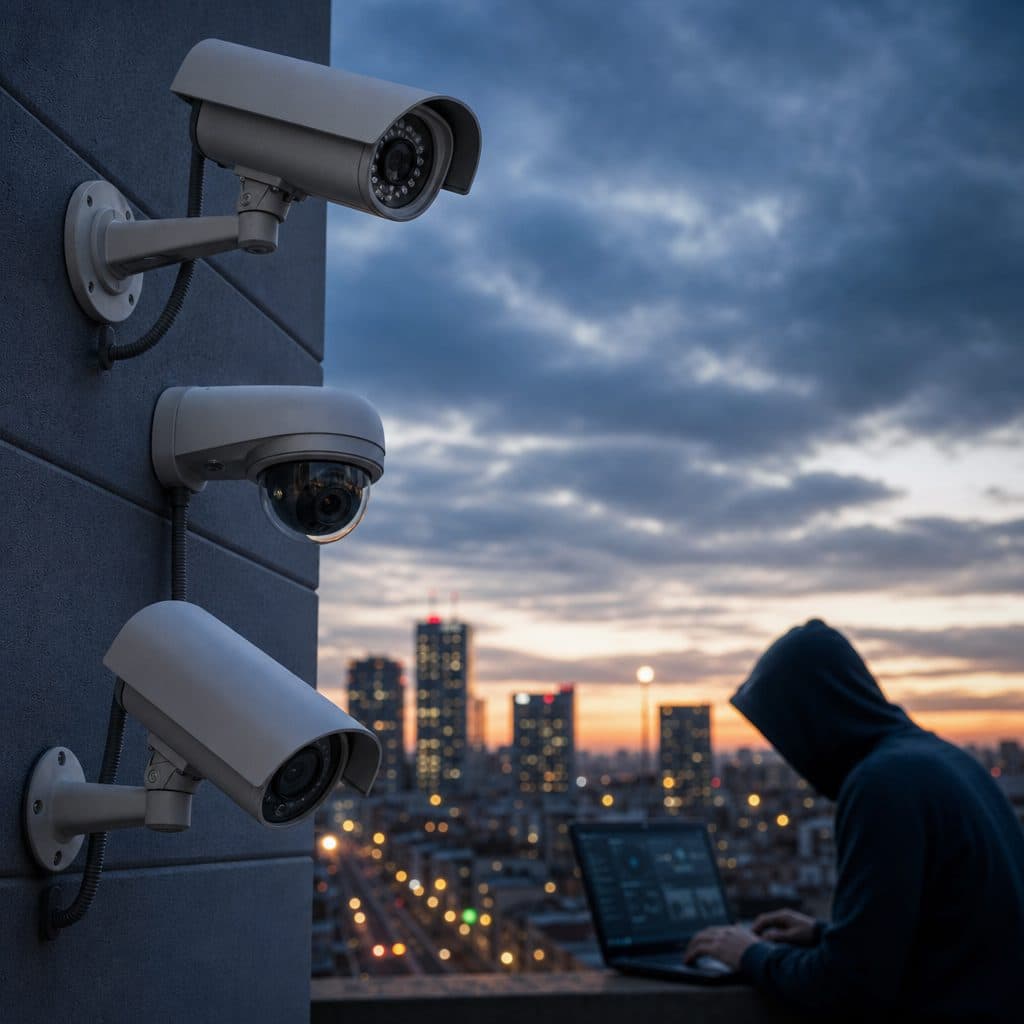
The takeover question most businesses face
A security camera takeover happens when a new integrator evaluates, reconfigures, or replaces parts of an existing video surveillance system instead of starting from scratch. The practical question is simple: can your business keep the cameras already mounted on walls, ceilings, gates, and warehouses, or will reliability, cybersecurity, and recording needs require an upgrade?
This article gives you a decision process. You will learn what determines camera compatibility, which components usually matter most, how to prepare for a takeover visit, and when keeping old devices creates more cost than value.
 Existing camera locations often have value if the hardware is still supportable.
Why companies consider a camera takeover
Most takeovers begin with a business change, not a camera failure. A company may be unhappy with service response, consolidating multiple locations, changing access control providers, moving from a local recorder to cloud-managed video, or trying to improve coverage without disrupting operations. In other cases, the original installer is unavailable, documentation is missing, or the system was inherited during a property purchase.
A takeover can be efficient because cable pathways, mounting positions, network drops, and power supplies may already exist. However, existing equipment should not be accepted blindly. The goal is not to save every device. The goal is to keep what is dependable, secure, compatible, and useful for the way the site operates today.
What decides whether your existing cameras can stay
Compatibility is a chain. A camera that looks fine on the wall may still fail the takeover if one link is weak. The installer should check the camera type, connection method, power, firmware, recording platform, cybersecurity posture, physical condition, and the business purpose of the view.
Camera technology: IP, analog, or mixed
Modern IP cameras communicate over a data network and are often the easiest to evaluate. Analog cameras may still work through coax cable and a DVR, but they can limit resolution, analytics, remote access, and future integration. Mixed systems are common in older buildings. They can be taken over, but they require clearer planning because adapters, encoders, or recorder changes may be involved.
Recorder and software compatibility
The recorder matters as much as the camera. Some cameras support open standards such as ONVIF, while others work best only with the manufacturer’s own recorder or video management software. During a takeover, confirm whether the camera can be discovered, authenticated, streamed, recorded, updated, and managed by the proposed platform.
Power, cabling, and network health
Power over Ethernet switches, low-voltage power supplies, coax runs, patch panels, and network settings all affect the result. A working camera can still be unreliable if the cable is damaged, the switch is overloaded, or the network was never segmented for video traffic.
Security and ownership
A camera should not stay in service unless credentials, administrator access, firmware status, and remote access methods can be controlled. If passwords are unknown, accounts are shared, or the device no longer receives updates, replacement may be the safer business decision.
A practical takeover checklist before you approve work
Use this checklist before signing off on a takeover proposal. It gives both your leadership team and the integrator a shared record of what exists, what can remain, and what needs attention.
- Create a camera inventory with location, model, serial number, lens type, mounting height, and current purpose.
- Export or photograph recorder settings before changes are made.
- Confirm who owns administrator credentials for cameras, recorders, switches, and cloud accounts.
- Test live view, playback, night performance, and motion search from each important camera.
- Verify retention goals, because required storage can change when resolution or frame rate changes.
- Check whether cameras cover faces, license plates, entrances, transaction points, loading areas, and restricted spaces.
- Identify blind spots caused by moved shelves, new offices, different lighting, or changed workflows.
- Review remote access and remove former vendors, departed employees, and unused accounts.
- Document cabling labels, switch ports, IP addresses, and any assumptions that still need verification.
- Decide which cameras are keep, repair, replace, or monitor after takeover.
Assumption to state clearly: if documentation is missing, the first visit may be a discovery project rather than a final design visit. That is normal, but the proposal should say so.
 A takeover review should confirm camera views, recording, access, and supportability.
Your main options after the assessment
After the assessment, the answer is rarely just yes or no. Most businesses land in one of four practical paths.
| Option | When it fits | Tradeoff |
|---|---|---|
| Keep all cameras | Hardware is current, credentials are available, video quality is acceptable, and the recorder supports the devices. | Lowest disruption, but future limitations remain. |
| Keep cameras, replace recorder | Cameras are usable, but storage, remote access, management, or cybersecurity needs improvement. | Good middle path, if compatibility is confirmed. |
| Replace weak cameras only | Key views are poor, certain devices are unsupported, or specific areas need better detail. | Targets budget where risk or operational need is highest. |
| Rebuild the system | Equipment is obsolete, undocumented, insecure, or too unreliable to support. | Highest initial effort, but often cleaner and easier to manage long term. |
For many commercial sites, the best answer is phased modernization. Keep dependable cameras that cover low-risk areas, replace cameras that protect high-value or high-liability zones, and upgrade the recording platform if it improves management across locations.
How to decide what is worth keeping
A takeover should be judged by business outcomes, not hardware age alone. A camera is worth keeping when it reliably answers a defined question. For example, “Who entered the rear door?” requires a different view than “Did a truck arrive at the dock?”
Keep a camera when it passes these tests
- It provides enough detail in normal and low-light conditions.
- It records consistently and plays back without gaps during typical use.
- It can be secured with known credentials and updated configuration.
- It integrates with the proposed recorder or video management system.
- It is physically stable, clean, weather appropriate, and aimed correctly.
Replace a camera when the risk is higher than the savings
Replacement is usually the better choice when a device cannot be authenticated, cannot meet the needed image quality, has water intrusion, is failing intermittently, lacks support for the selected platform, or protects an area where evidence quality matters.
Do not let sunk cost drive the decision. The cost of one missed incident, repeated service calls, or unusable footage can outweigh the savings from keeping a marginal camera.
Step-by-step takeover process
A professional takeover should be orderly. Rushing directly into swapping hardware can create outages, lost recordings, or confusion about responsibility. Use this sequence to keep the project controlled.
1. Discovery
Walk the site, map camera locations, identify critical views, and gather logins, network details, and recorder information. If access is missing, create a recovery plan before touching settings.
2. Compatibility testing
Connect a sample of cameras to the proposed platform or test environment. Confirm streams, recording, playback, time synchronization, event settings, and user permissions.
3. Migration plan
Schedule work by business impact. Protect entrances, cash handling, controlled areas, and loading docks first. Communicate expected outages, if any, and preserve recordings that may be needed later.
4. Cutover and validation
After cutover, validate every priority camera from live view and playback. Check timestamps, retention estimates, user access, mobile access if used, and alerts. A camera should not be considered accepted only because it appears online.
5. Documentation and training
Finish with a camera list, administrator handoff, support contacts, warranty notes, network records, and basic user training. Good documentation makes the next service call faster and reduces dependence on memory.
Common risks, mistakes, and recovery moves
The most common mistake is assuming that visible video equals a healthy system. Video can appear on a monitor while recording is failing, timestamps are wrong, remote users have excessive permissions, or the most important views are too wide to identify people.
- Do not reuse shared passwords. Create named users and remove old accounts.
- Do not skip firmware review. Unsupported devices should be isolated, replaced, or formally accepted as a risk.
- Do not overwrite useful recordings during migration. Export anything related to open incidents first.
- Do not assume old camera angles still match current operations. Re-aim after furniture, shelving, or traffic patterns change.
- Do not buy replacement hardware before compatibility testing, especially in mixed analog and IP environments.
If a takeover goes poorly, stabilize first. Restore critical views, preserve recordings, document what changed, and pause nonessential work. Then separate the problem into hardware, network, credential, software, and user-training issues. This prevents a small technical issue from becoming a business-wide loss of confidence.
Cybersecurity considerations during a camera takeover
Cameras are network devices. Treat them like other business technology. A safe takeover should change default passwords, remove unused accounts, disable unnecessary remote access paths, check time settings, and place cameras on an appropriate network segment when practical.
Remote viewing deserves special attention. Convenience should not mean uncontrolled access. Decide who needs access, what they need to see, whether permissions should differ by location, and how access will be removed when roles change.
If older cameras must remain temporarily, document the exception and set a review date. Temporary decisions become permanent when nobody owns them.
Budgeting for keep, replace, and phase decisions
A useful budget separates labor, licensing, storage, network upgrades, camera replacements, and support. This prevents a misleading comparison between a low takeover price and a complete modernization price. Ask what is included, what is excluded, and what assumptions could change the price after discovery.
Phasing can help. For example, a business may replace cameras at entrances, parking gates, and cash offices now, while keeping acceptable hallway or storage-room cameras until the next budget cycle. The key is to record why each device was deferred.
Questions to ask a takeover provider
The right provider should be able to explain both what can be reused and what should not be reused. Look for clear testing, plain documentation, and practical recommendations instead of pressure to replace everything.
- Which cameras are confirmed compatible, and which are only assumed compatible?
- What recorder or software functions will we gain or lose?
- How will you handle unknown passwords or unavailable previous vendors?
- What is the plan for old accounts, remote access, and firmware?
- How will you prove recording, playback, and retention after cutover?
- What documentation will we receive when the project is complete?
Good answers are specific. If an answer depends on discovery, the provider should say that clearly and explain how the unknown will be resolved.
Summary: a short decision framework
Keep your existing cameras when they are secure, supportable, compatible, and still answer the questions your business needs answered. Replace cameras when they are unreliable, unsupported, poorly aimed, too low in detail, or protecting a critical area where weak evidence is unacceptable.
Choose a phased plan when the system has mixed quality. Upgrade the recorder or management platform when the cameras are acceptable but administration, retention, remote access, or multi-site visibility is the real problem.
Action: next step
Before you approve a replacement quote or accept an inherited system, request a camera-by-camera assessment. Bring any login records, floor plans, and pain points. Ask for a written keep, repair, replace, or monitor recommendation for every priority camera, plus a plan for credentials and documentation. That step turns a vague takeover into a controlled project with clear decisions.
If the assessment shows replacement is necessary, you will know why. If it shows reuse is safe, you can preserve budget without gambling on unsupported equipment. Either outcome is better than guessing during a stressful onsite outage.
Plan your camera takeover with confidence
Security and Life Integrations can review your existing cameras, identify what is worth keeping, and build a practical path for takeover, replacement, or phased modernization.
Schedule a takeover review